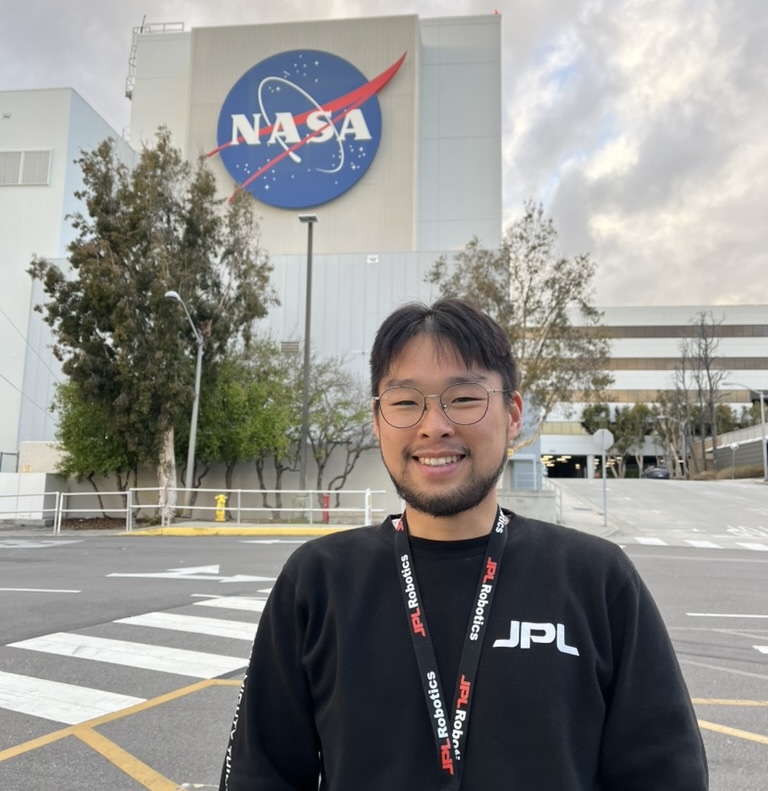
My New Website Is Now Open
Welcome, everyone, whether you know me personally or not. I am happy that you visited this random website and are reading this random post! In this post, I would like to tell you a short story about why and how I started this small project of creating my new website. Maybe it is not that interesting, but just give it a try. In addition to that, since this is my very first post on my new website, things might not be perfect, but I believe you would be fine with that!
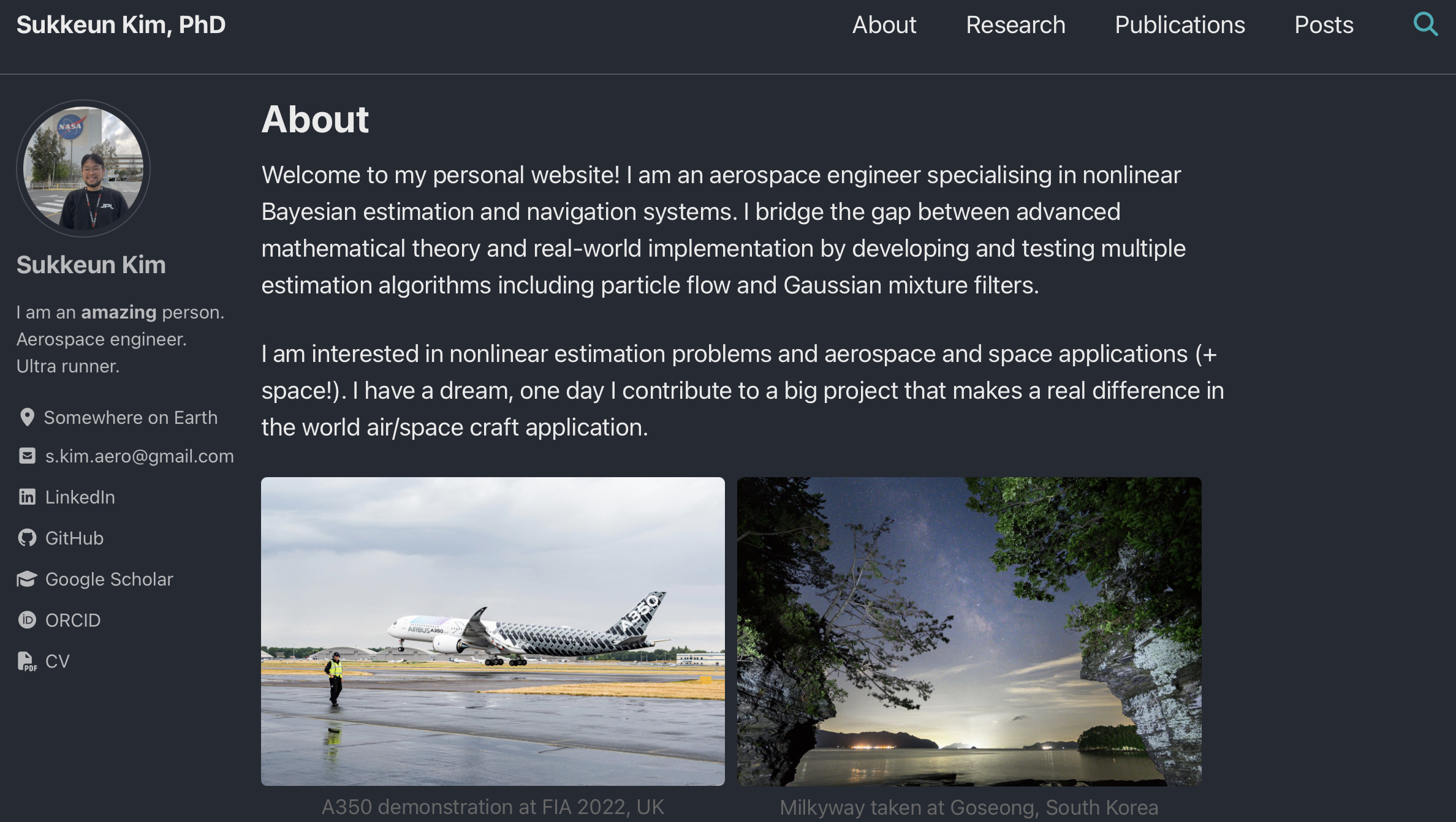
The main page of my brand new website with GitHub
Some Background
First of all, here is some background on why I have started this small project. I already have a very basic-ish website that I created more than 5 years ago with Google Sites. Yes, it did its job quite well for the basic purpose in the beginning – just like a digital version of my CV and some nice introduction to my research. One day I decided to make dark mode on my website, but apparently Google Sites doesn’t (I assume Google Sites itself as a brand name!) support that function… At the same time, I noticed many researchers provide their website based on GitHub, and they DO support dark mode. That was the first reason why I wanted to migrate to a GitHub-based website.
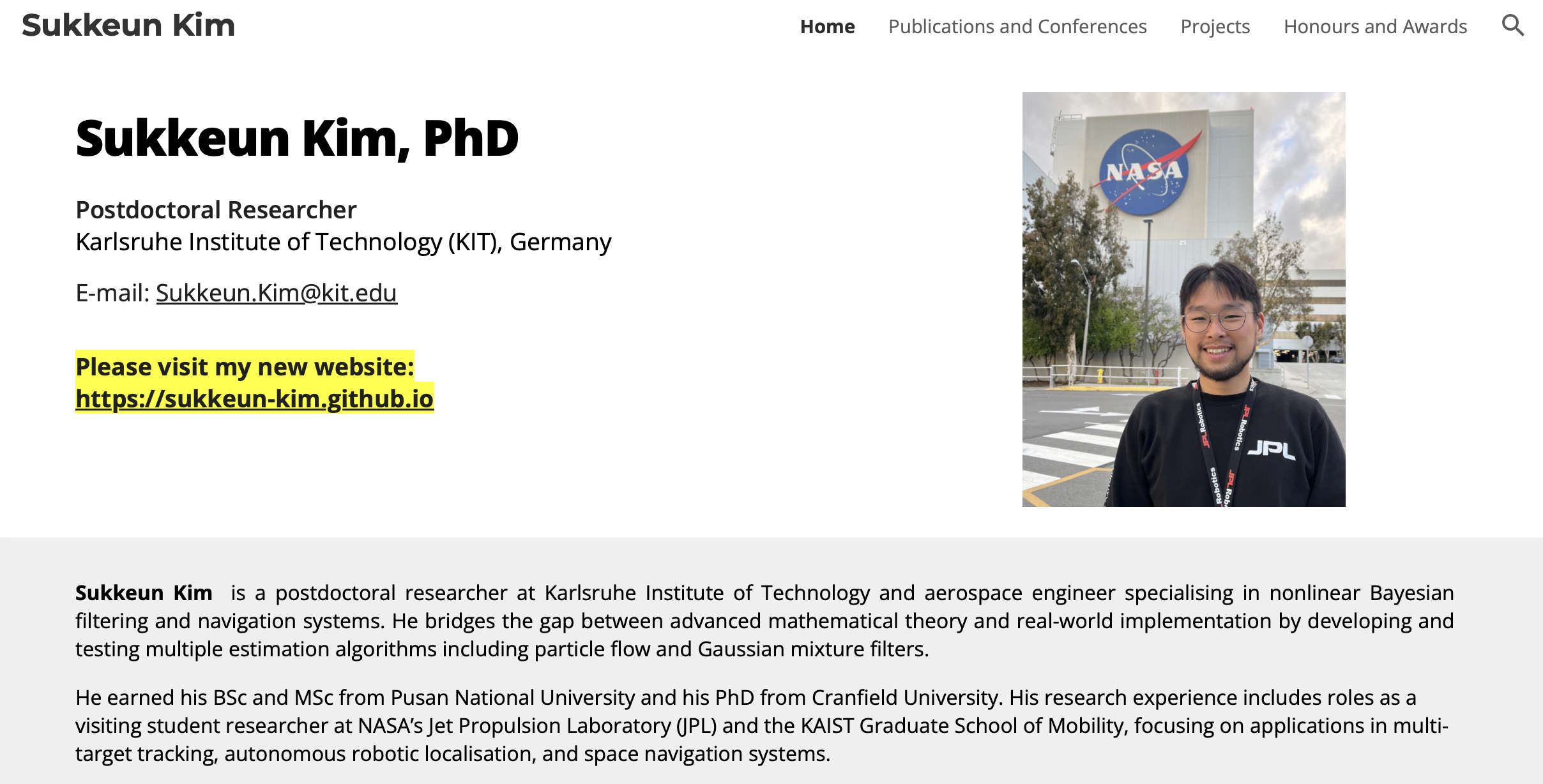
The main page of my old website with Google Sites
Here is the second reason. I recently resigned from my postdoc position for several personal reasons (nothing bad, and I enjoyed the time there, but I needed to move on). And I was thinking this would be the best time to start this during this free(-ish) time and do something productive. Yes, I decided to start this small project! There is nothing interesting in my website at the moment, but I am building this little by little.
Ah, last but not least, there is one more reason. I like writing and talking with people. I used to be very active on Instagram for many years to post my photography and interact with people. However, I am a bit tired of many social media platforms, and I started cutting myself off from many platforms. Then, I wanted to create a space where I can post my own thoughts and some photos, but not like other platforms where I might be lost in the flood of random news and reels. That being said, I might introduce a new “Gallery” page on my website one day.
How Did I Make This Website?
If you are a stranger who doesn’t know me personally but accidentally landed here, you are just wondering how I created this website. Fair enough. I landed on Lexi’s GitHub website when I started to make this website. I guess it would be easier to link Lexi’s post here instead of repeating the same post.
Instead of Fork Method…
One different path I took from the original one above is not using the “Fork Method” on GitHub. If you read the post above, a fork from Jekyll Minimal Mistakes is introduced (and also the caveat with that method). I simply created a GitHub repo for my website based on the official GitHub tutorial, cloned Jekyll Minimal Mistakes and pushed to my own repo. It’s a lot simpler because you don’t need to go through the unlinking request.
Publications Page
This is kind of a problematic page at the moment. I was trying to use .bibtex directly to import my publications and list them using jekyll-scholar, but it didn’t go so well. I guess it is because of the Ruby version, but I haven’t investigated it fully yet. I might continue working on it later and will make an update here or in a new post.
Update on 06.10.2026: Interactive Publication List
I have updated my Publications page by embedding custom HTML and CSS directly into the Markdown structure. I have not worked with .bibtex, and the items must be entered manually at the moment. You can have a look at my Markdown file. The new interactive publication list features:
- Tag-based filtering so readers can easily sort papers by research topics.
- Direct connection badges for quick access to PDFs, DOIs and arXiv links.
- A clean, modern layout with responsive styling for both desktop and mobile devices.
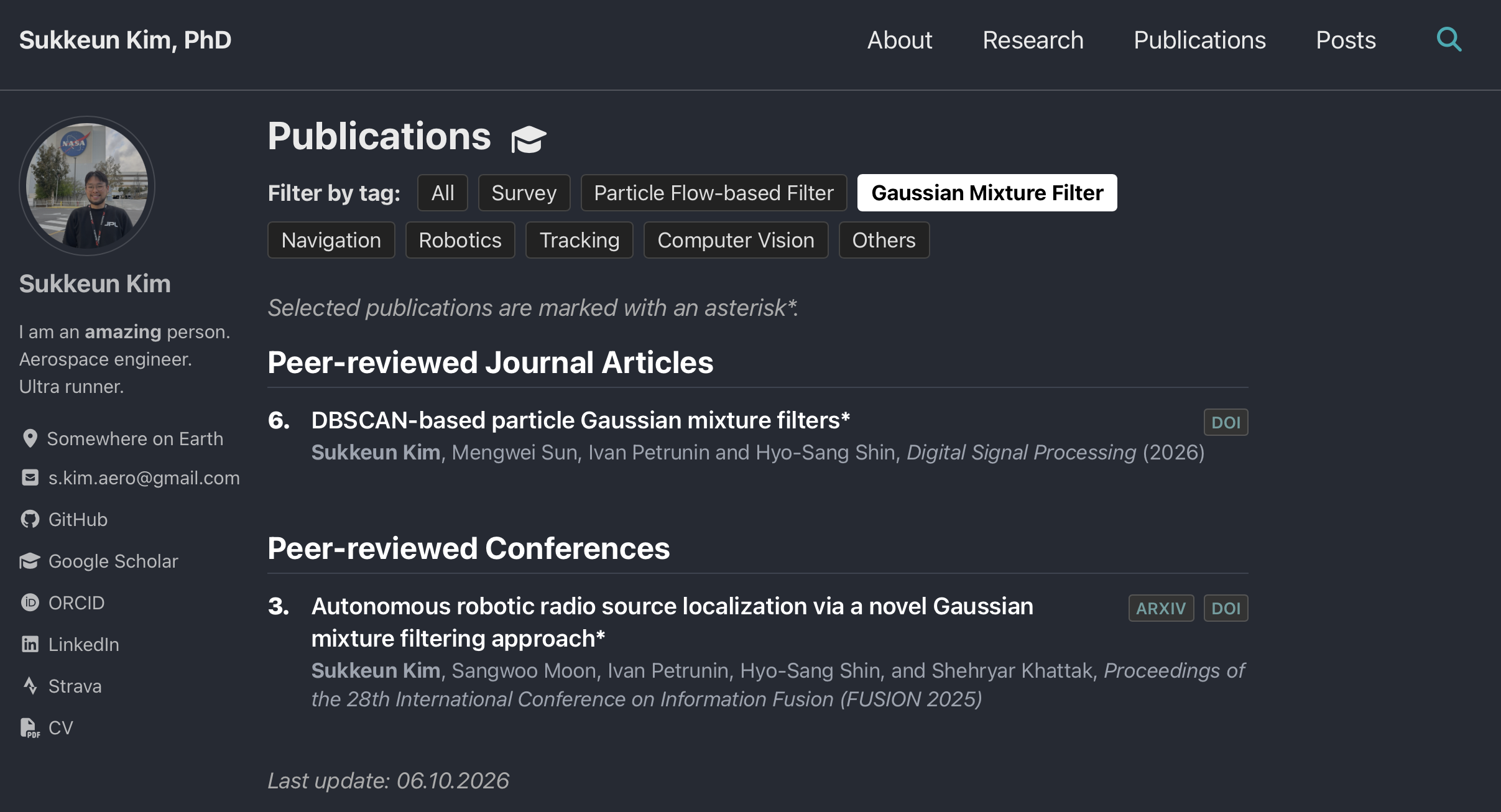
The updated publication page features with tag-based filtering (example with GMF)
What Will I Do with This?
Well, I am not so clear on the direction I will take with this platform at the moment. It might be a bit of a mix of my digital CV and posts about research and a tiny bit of personal life, I guess. I shall share some previous research topics I have worked on and some interesting (at least for me) life stories of mine. Also, I would like to share some of my personal projects here later if I can’t share my research at my next job! I actually want to post something related to my PhD life and some tips for someone who wants to do their PhD in the near future. But again, nothing has been decided properly.
Structure and Navigation
On my website, there are four pages at the moment as follows:
– which is very straightforward.
I will add some explanations of my previous research topics (mostly based on the publications) on the Research page, and the Publications page is just a user-friendly list of my publications. New updates will be mostly made in Posts. At the moment, I am planning to mix my research/projects/life stories on the same page, and one can navigate between them using either Tags or Categories at the bottom of each page. Not decided yet, but I might add a Gallery page to upload my photographic works later.
Some Final Words!
That is it for this first-ever post, and I think it is better to keep it short like this. I don’t know how often I will post here, but I will try to do it regularly. For the next post, I would like to talk about running – why I started and why I like it so much, with some episodes I had in the previous races. Until then, Ciao!